Connect Your Wallet
At the main menu page, follow these steps to connect to your Web3 wallet.
- Click the Connect Wallet button in the upper right corner of the main menu page
- Enter your wallet password
Once your wallet is connected to the Power Finance platform, your $PWRd and $PWRs balances will appear.
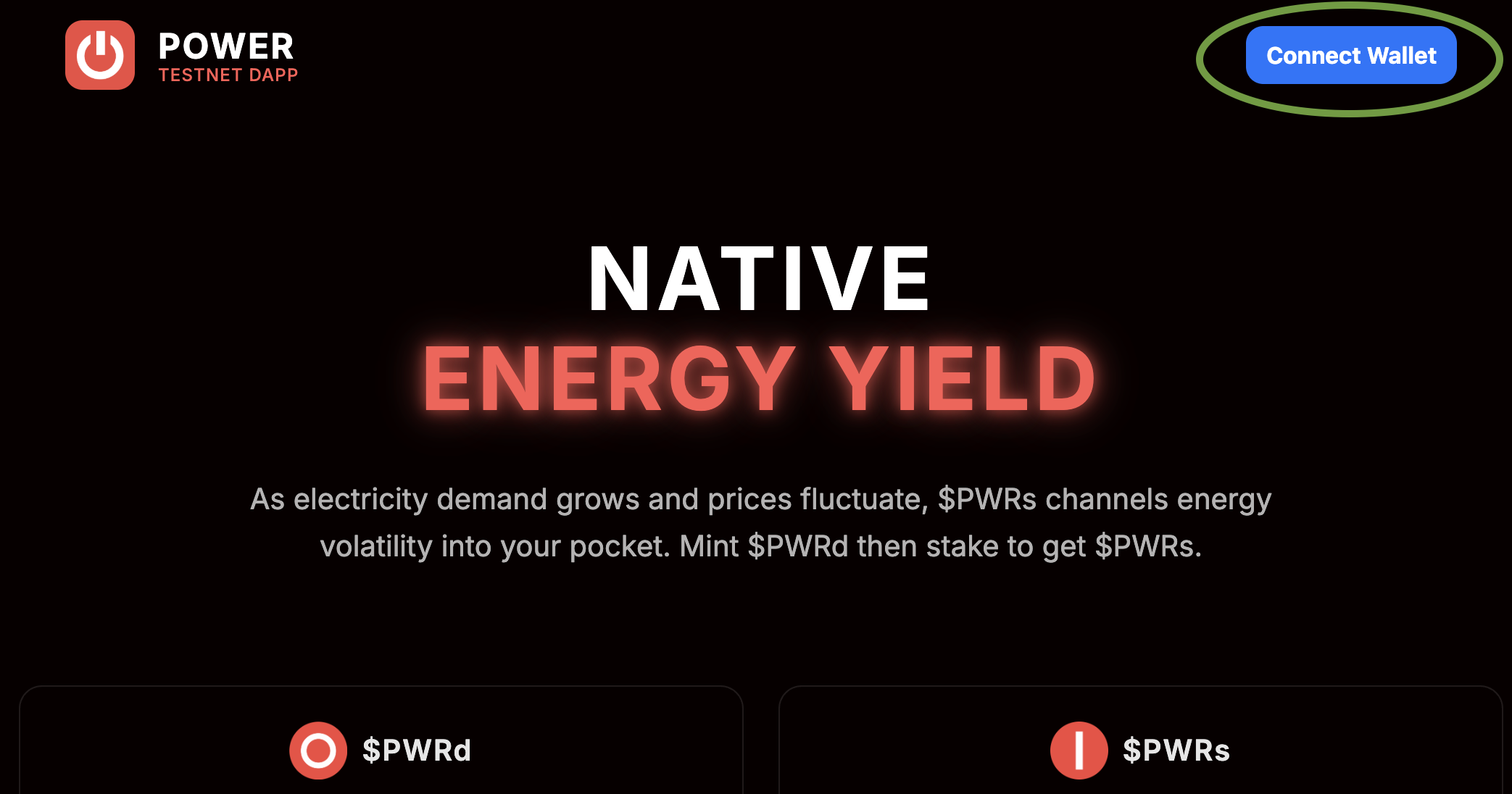 Connect Wallet Button